


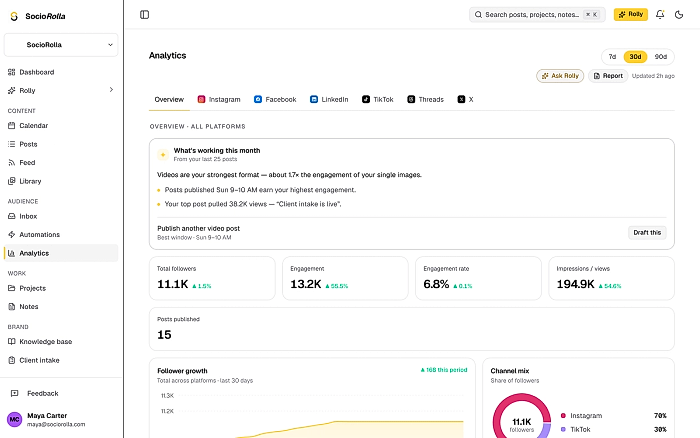
Weekly numbers“Which posts did best this month, and why?”
A step-by-step guide to using SocioRolla from your AI assistant. Ask about your numbers, plan the week and send drafts to your workspace from a chat.
Create a connector in your assistant with SocioRolla’s server URL. Nothing else to copy: no token, no settings to fill in.
Custom connectors work on every Claude plan; a free plan can hold one of them. On SocioRolla, connecting is included on Pro and Max.
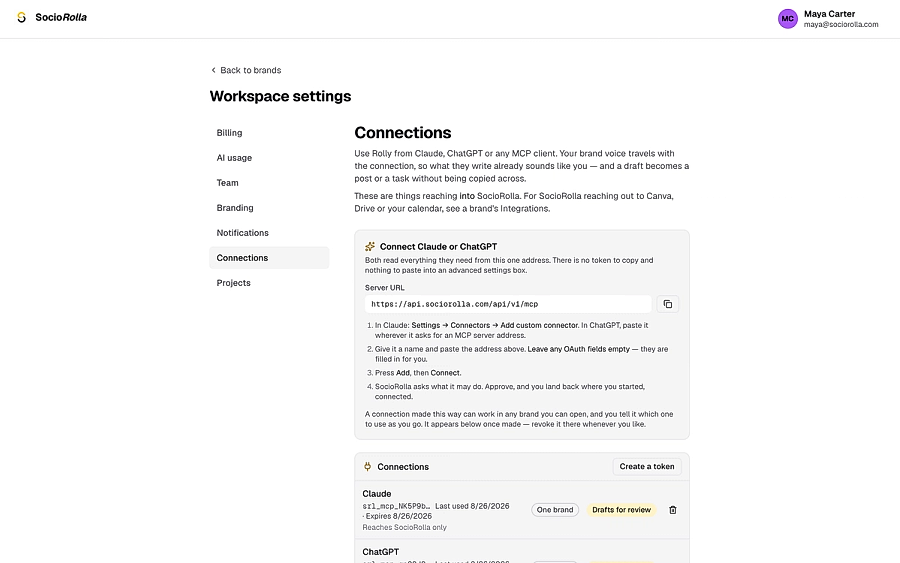
In SocioRolla, open Settings → Connections. Your server URL is at the top, under “Connect Claude or ChatGPT”.
Copy this URL and paste it into the URL field:
https://api.sociorolla.com/api/v1/mcpIn Claude, open Customize → Connectors, click + and choose Add custom connector. On Team and Enterprise, an owner adds it once under Organization settings.
Paste the URL and click Add. Leave Advanced settings empty: Claude reads SocioRolla’s OAuth details from the server itself.
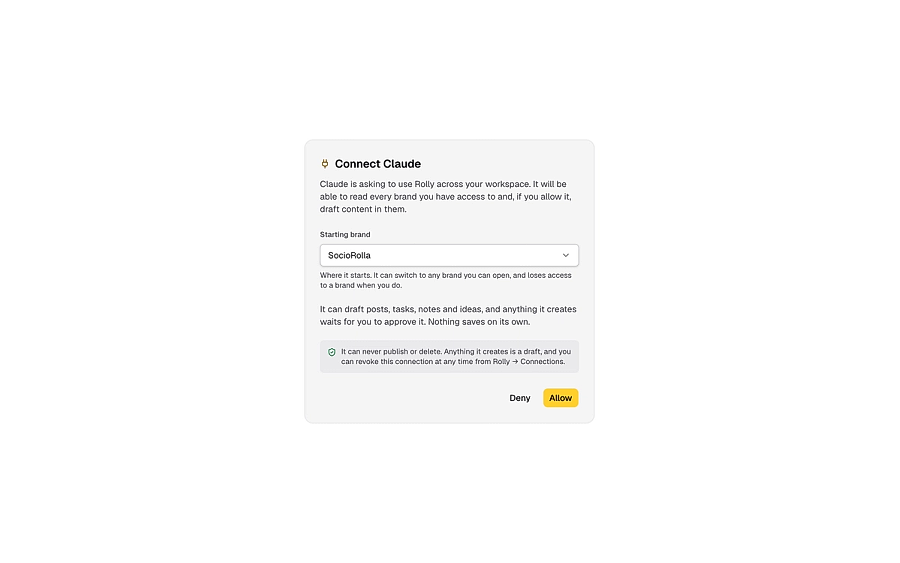
A SocioRolla window opens. Choose the brand to start in and click Allow. Rolly can draft, but it can never publish or delete.
That’s it. In any chat, open + → Connectors and switch SocioRolla on, then ask about your brands.
Custom MCP apps are in beta for ChatGPT Business, Enterprise and Edu, and only an admin or an authorised developer can add one. On SocioRolla, connecting is included on Pro and Max.
In SocioRolla, open Settings → Connections and copy the server URL.
Copy this URL and paste it into the URL field:
https://api.sociorolla.com/api/v1/mcpIn ChatGPT, an owner or admin turns on developer mode for the workspace. Enterprise and Edu admins can also grant it to named people.
Create the app with SocioRolla’s server URL, pick OAuth, then click Scan tools.
A SocioRolla window opens. Choose the brand to start in and click Allow. ChatGPT then finishes scanning the tools and you click Create.
The app starts as a draft. Try it in a chat, then publish it so the workspace can turn it on from the tools menu.
Claude’s and ChatGPT’s own screens are not pictured here: their menus move, and we would rather send you to the right place than show you a screen that has changed. Current paths are in Claude’s help centre and OpenAI’s.
You can now ask about your brands, and have drafts land in SocioRolla for review. Try something like this to get started:
Which of my SocioRolla posts did best this month?
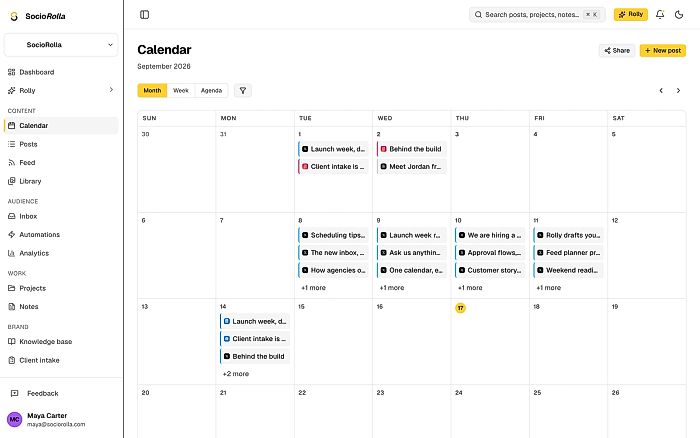
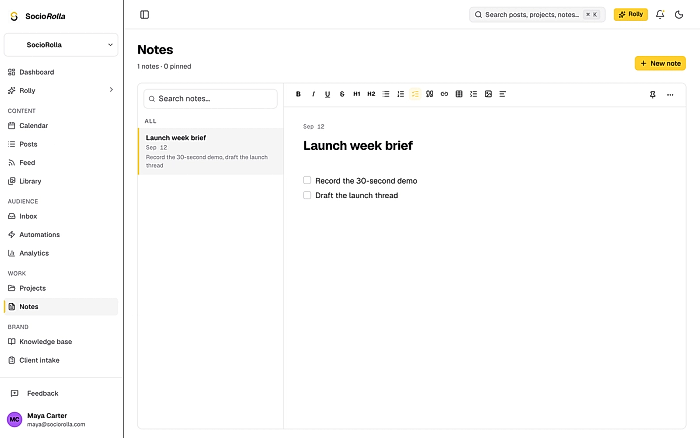
Read your brands, posts, projects and numbers, and draft posts, tasks, notes and ideas. Everything it creates waits for your approval.
Bring one brand or twelve; SocioRolla helps you keep up.